> ## Documentation Index
> Fetch the complete documentation index at: https://docs.hypeframe.ai/llms.txt
> Use this file to discover all available pages before exploring further.
# Create an account
> Get started with HypeFrame in seconds. Create your account and begin building applications right away.
## Sign up options
You can create your account using either Google, Github or your email address. All methods are quick and secure.
## Create your account
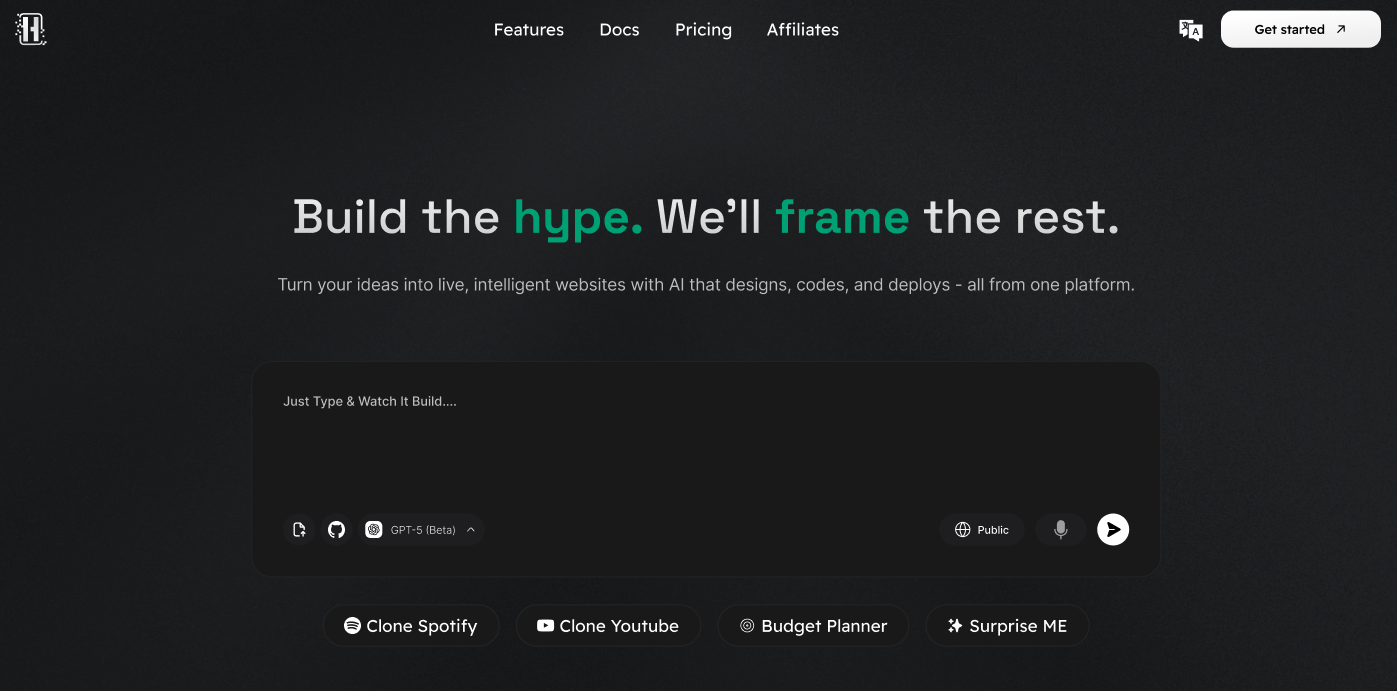 Go to [hypeframe.ai](https://hypeframe.ai) and click the "Sign In" or "Get Started" button in the top right corner.
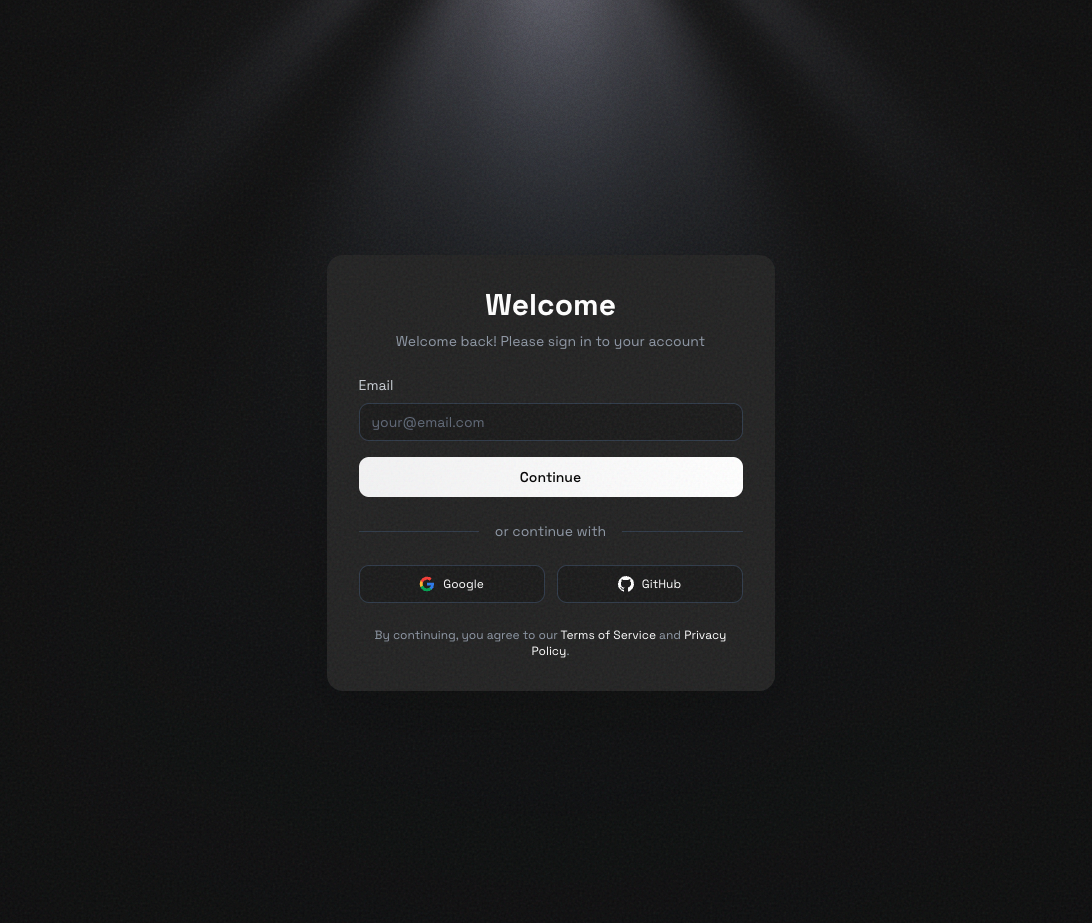 You'll see three options: - **Continue with Google**: Sign up instantly using your
Google account - **Continue with Github**: Sign up instantly using your Github
account - **Use Email**: Create an account with your email address Pick whichever
you prefer—all work great.
**If using Google:** - Click "Continue with Google" - Select the Google
account you want to use - Approve the permissions when prompted **If using
Github:** - Click "Continue with Github" - Select the Google account you want
to use - Authorize the permissions when prompted **If using Email:** - Enter
your email address and click "Continue" - Check your inbox for a verification
code - Enter the 6-digit code you receive - Click "Continue" to finish
Can't find the email? Check your spam or promotions folder. The code usually
arrives within a minute.
Once you've completed sign-up, you'll be taken to your HypeFrame dashboard. Your account is active and ready to use—you can start building your first application right away.
Welcome to HypeFrame! You're ready to start creating.
## What's next?
Now that you have an account, here's what you can do:
Learn how to create your first application with HypeFrame.
Get familiar with your workspace and project management.
## Need help?
Having trouble signing up? Email us at
[contact@hypeframe.ai](mailto:contact@hypeframe.ai) or reach out through our
community for assistance.
You'll see three options: - **Continue with Google**: Sign up instantly using your
Google account - **Continue with Github**: Sign up instantly using your Github
account - **Use Email**: Create an account with your email address Pick whichever
you prefer—all work great.
**If using Google:** - Click "Continue with Google" - Select the Google
account you want to use - Approve the permissions when prompted **If using
Github:** - Click "Continue with Github" - Select the Google account you want
to use - Authorize the permissions when prompted **If using Email:** - Enter
your email address and click "Continue" - Check your inbox for a verification
code - Enter the 6-digit code you receive - Click "Continue" to finish
Can't find the email? Check your spam or promotions folder. The code usually
arrives within a minute.
Once you've completed sign-up, you'll be taken to your HypeFrame dashboard. Your account is active and ready to use—you can start building your first application right away.
Welcome to HypeFrame! You're ready to start creating.
## What's next?
Now that you have an account, here's what you can do:
Learn how to create your first application with HypeFrame.
Get familiar with your workspace and project management.
## Need help?
Having trouble signing up? Email us at
[contact@hypeframe.ai](mailto:contact@hypeframe.ai) or reach out through our
community for assistance.