

Sign up options
You can create your account using either Google, Github or your email address. All methods are quick and secure.Create your account
1
Visit HypeFrame

2
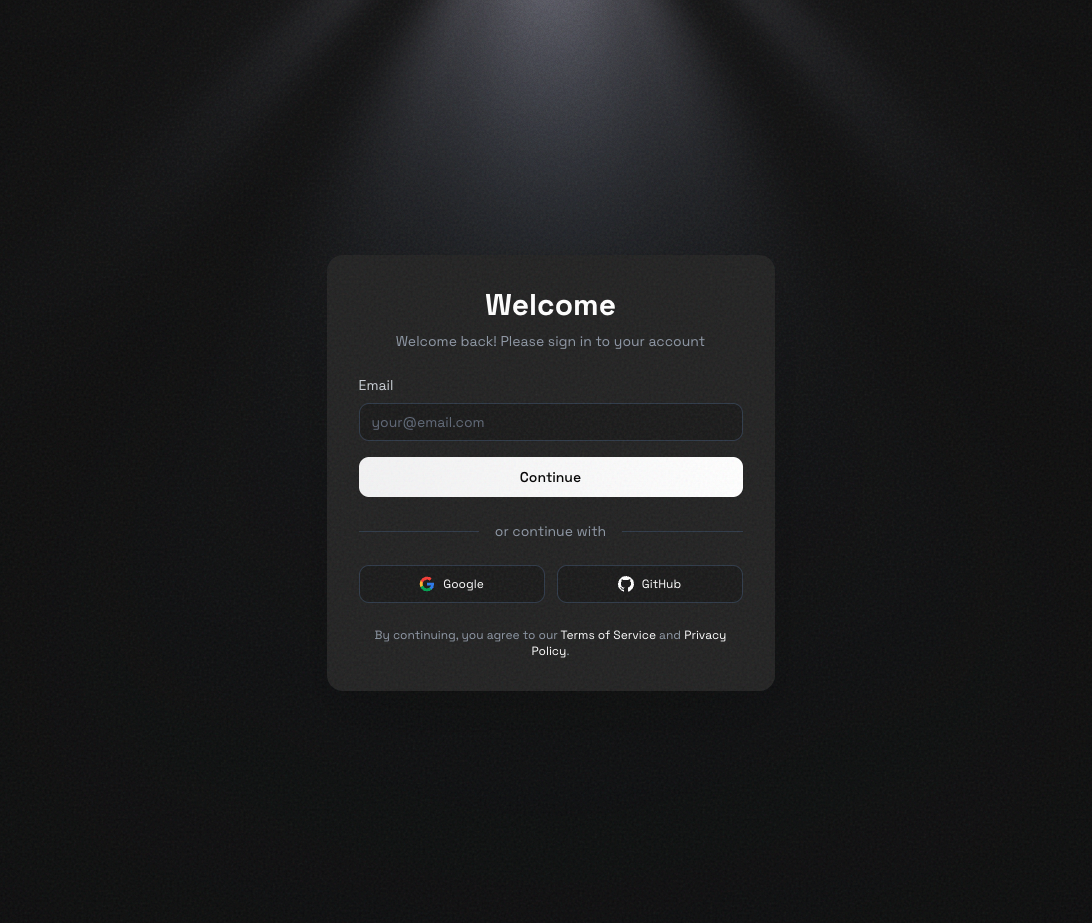
Choose a method
3
Complete the process
If using Google: - Click “Continue with Google” - Select the Google
account you want to use - Approve the permissions when prompted If using
Github: - Click “Continue with Github” - Select the Google account you want
to use - Authorize the permissions when prompted If using Email: - Enter
your email address and click “Continue” - Check your inbox for a verification
code - Enter the 6-digit code you receive - Click “Continue” to finish
4
You're all set
Once you’ve completed sign-up, you’ll be taken to your HypeFrame dashboard. Your account is active and ready to use—you can start building your first application right away.
Welcome to HypeFrame! You’re ready to start creating.
What’s next?
Now that you have an account, here’s what you can do:Start your first project
Learn how to create your first application with HypeFrame.
Explore the dashboard
Get familiar with your workspace and project management.
Need help?
Having trouble signing up? Email us at
contact@hypeframe.ai or reach out through our
community for assistance.